Travel
Land somewhere new and see who’s already there
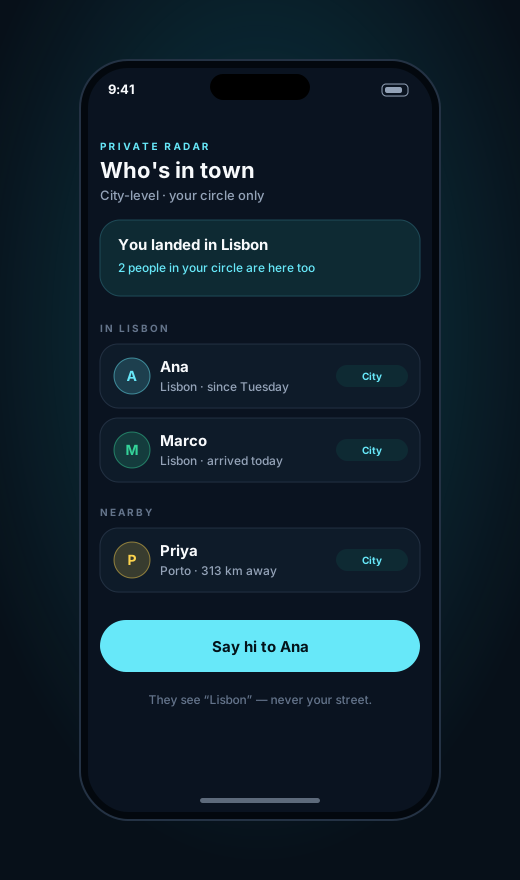
Touch down in Lisbon and find out two friends are in town this week. They see the city you’re in, not the street you’re staying on.
Private Radar
Location sharing on your terms
Private Radar lets friends, family and teams see roughly where each other are: the city, not the street. When you’re actually meeting up, share your exact spot for a while, and it switches itself off.
Your circle sees a city-sized area. A precise pin appears only during a ping you started, and it ends on its own.
Use cases
Most location apps share everything, all the time, with everyone you’ve ever added. Private Radar starts from the opposite end: rough location for the people you trust, and precision only when it helps.
Touch down in Lisbon and find out two friends are in town this week. They see the city you’re in, not the street you’re staying on.
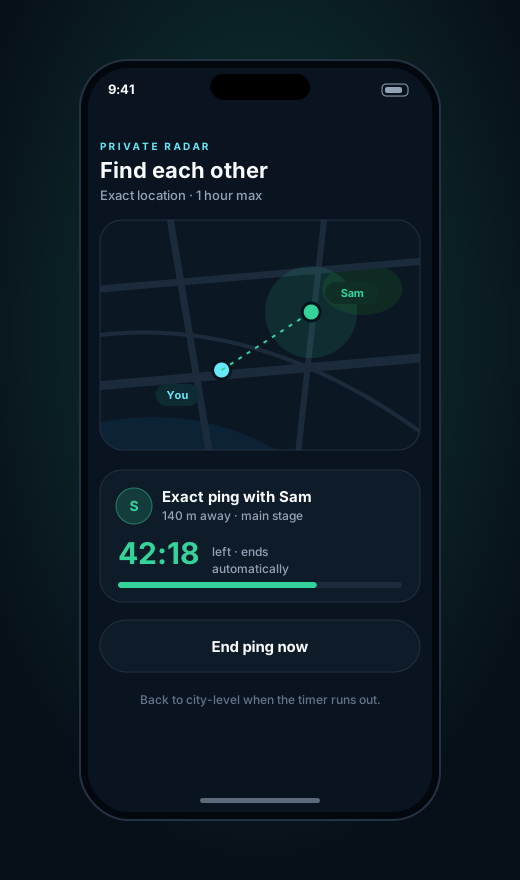
At a festival, a stadium or a busy airport, start an exact ping with one friend. It counts down and switches back to city-level on its own.
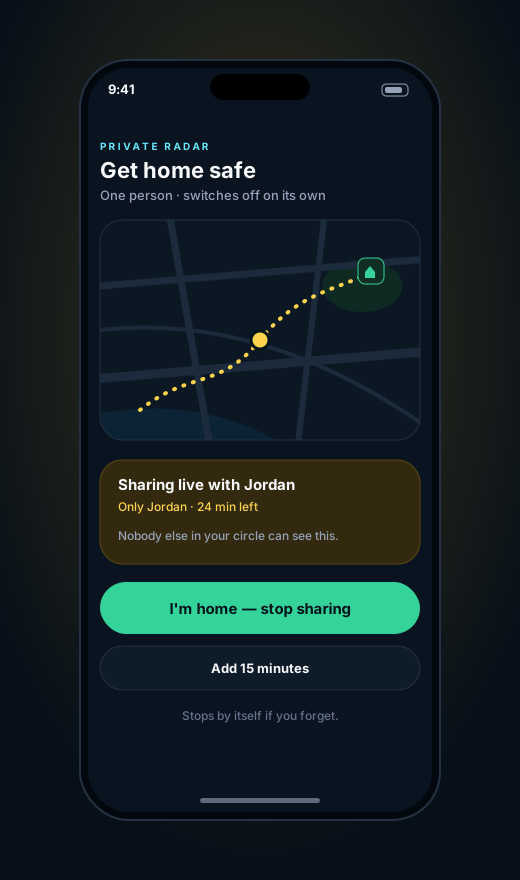
Walking back late or taking a ride across town? Share your live location with one person until you tap “I’m home”, or until the timer runs out.
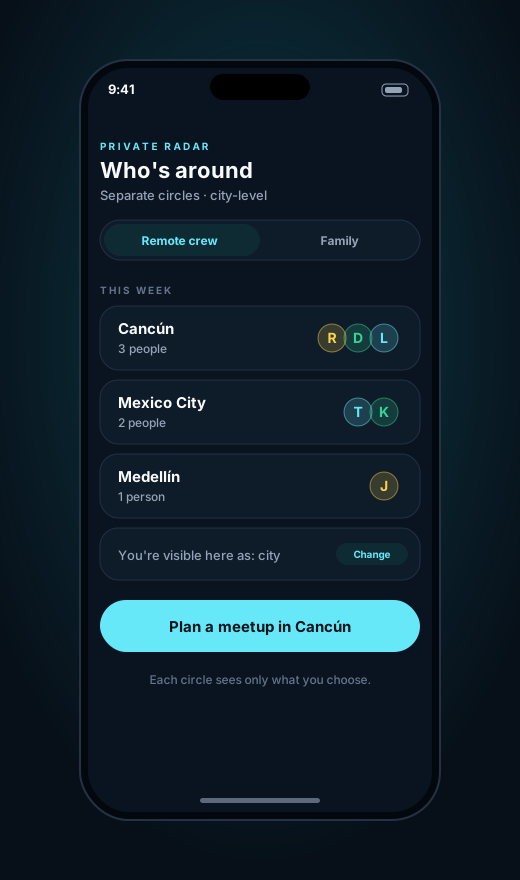
See which teammates or friends are in Cancún, Mexico City or Medellín and plan a meetup. Your work circle and your family circle stay separate.
Screens show example data from the beta design.
How privacy works
The rules are built into how your data is stored, not just how the screens look. You sign in with ConsentKeys, so there’s no new password to create or leak.
By default your circle sees the city you’re in. Your exact GPS position isn’t stored unless you choose to share it.
Exact pings last an hour at most and end automatically. You never have to remember to turn sharing off.
Nobody can add you to their radar on their own. You accept each connection, and you can block anyone at any time.
No public profiles, no follower counts, no feed. Just the small groups of people you actually trust.
Early access
Private Radar is in beta. Join the waitlist and we’ll let you know as circles, pings and get-home sharing open up, plus tell us which use case you’d use first.